
Home setup notes
Use these practical notes to prepare the details that make the next conversation useful.
Look at the actual inputs
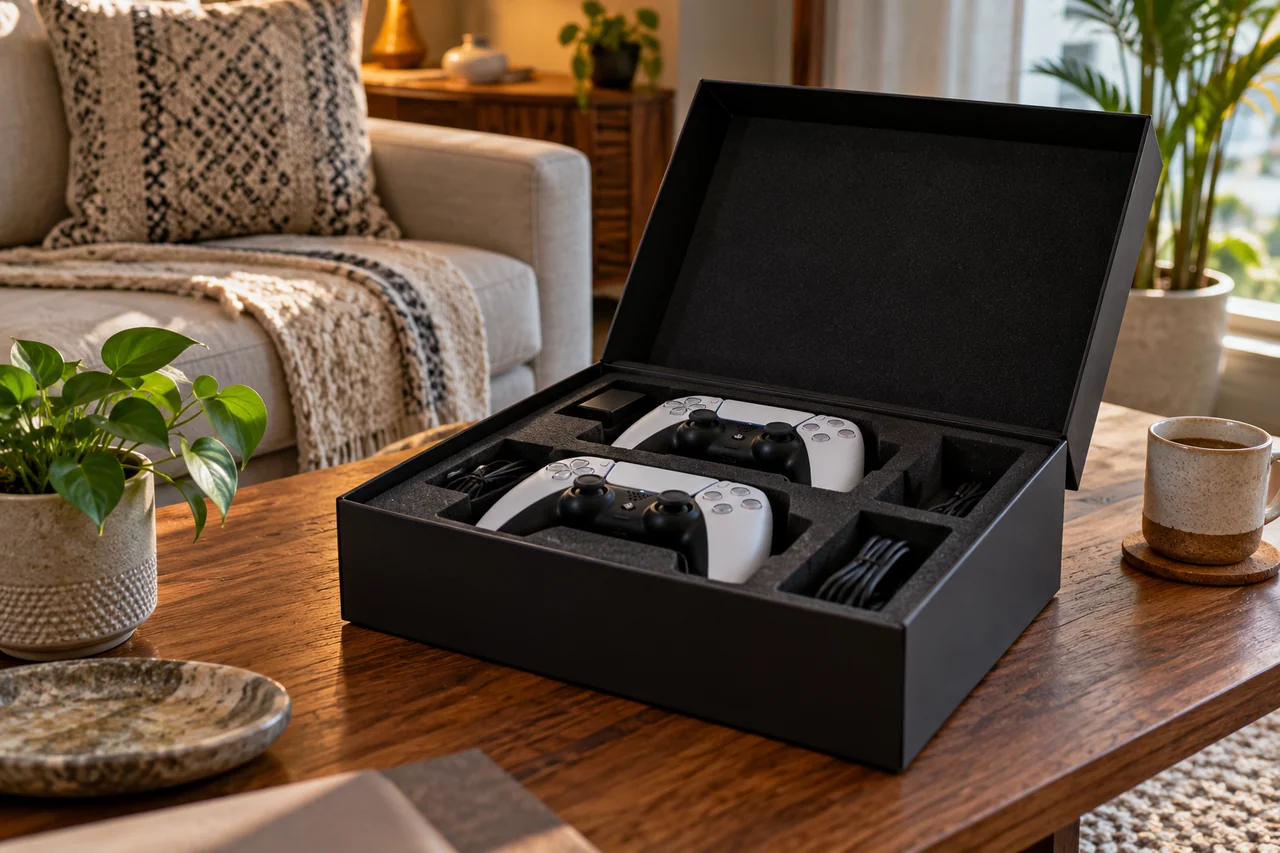
Check the screen's available connections and where they are positioned. Share the relevant input details instead of relying only on the screen size. Leave room for connectors and avoid sharply bending a cable behind furniture.
Leave ventilation space
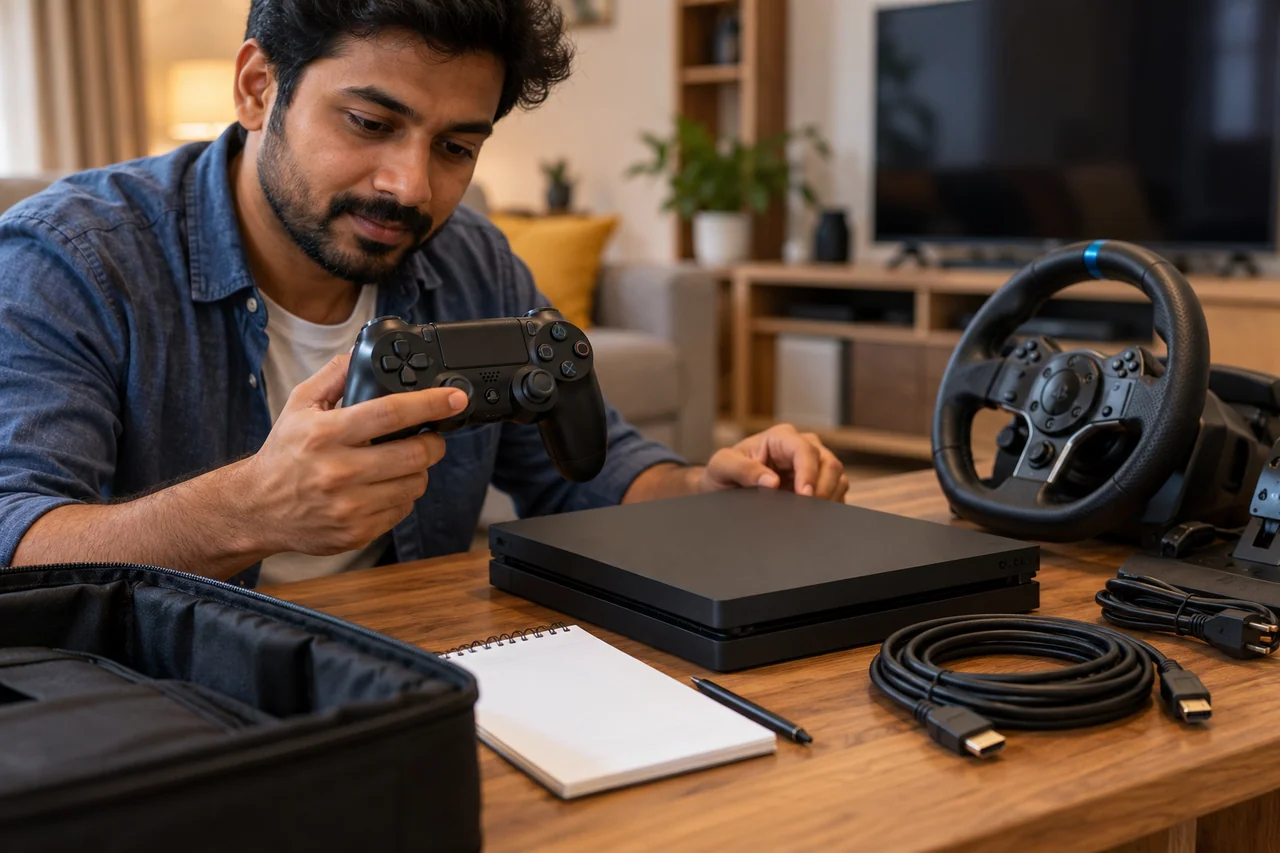
Place equipment on a stable surface with the clearances required by its instructions. Do not cover vents or trap devices in a closed cabinet. Arrange the room before connecting power so a running device does not need to be moved casually.
Plan movement and mounting
For VR, clear the intended activity area and follow the headset's boundary instructions. For a wheel, check the desk edge, clamp and pedal position. Keep people and objects away from a moving player's space.
Keep accounts private
Use your own account credentials where the agreed device setup requires them. Do not share passwords in an enquiry. Discuss sign-out and removal of personal information before returning equipment, alongside the physical contents check.
Tell us about your room
Describe the equipment, dates, screen and room you have in mind.